
Indoor Training App Setup
AirHRM works with Zwift, TrainerRoad, ROUVY, FulGaz, TrainerDay, and other indoor platforms. One important rule applies to all of them.
One iPhone, One App
AirHRM must run on your iPhone. The training app must run on a separate device: iPad, Apple TV, Android, or computer. Both cannot run on the same iPhone simultaneously. This is a Bluetooth limitation, not a bug.
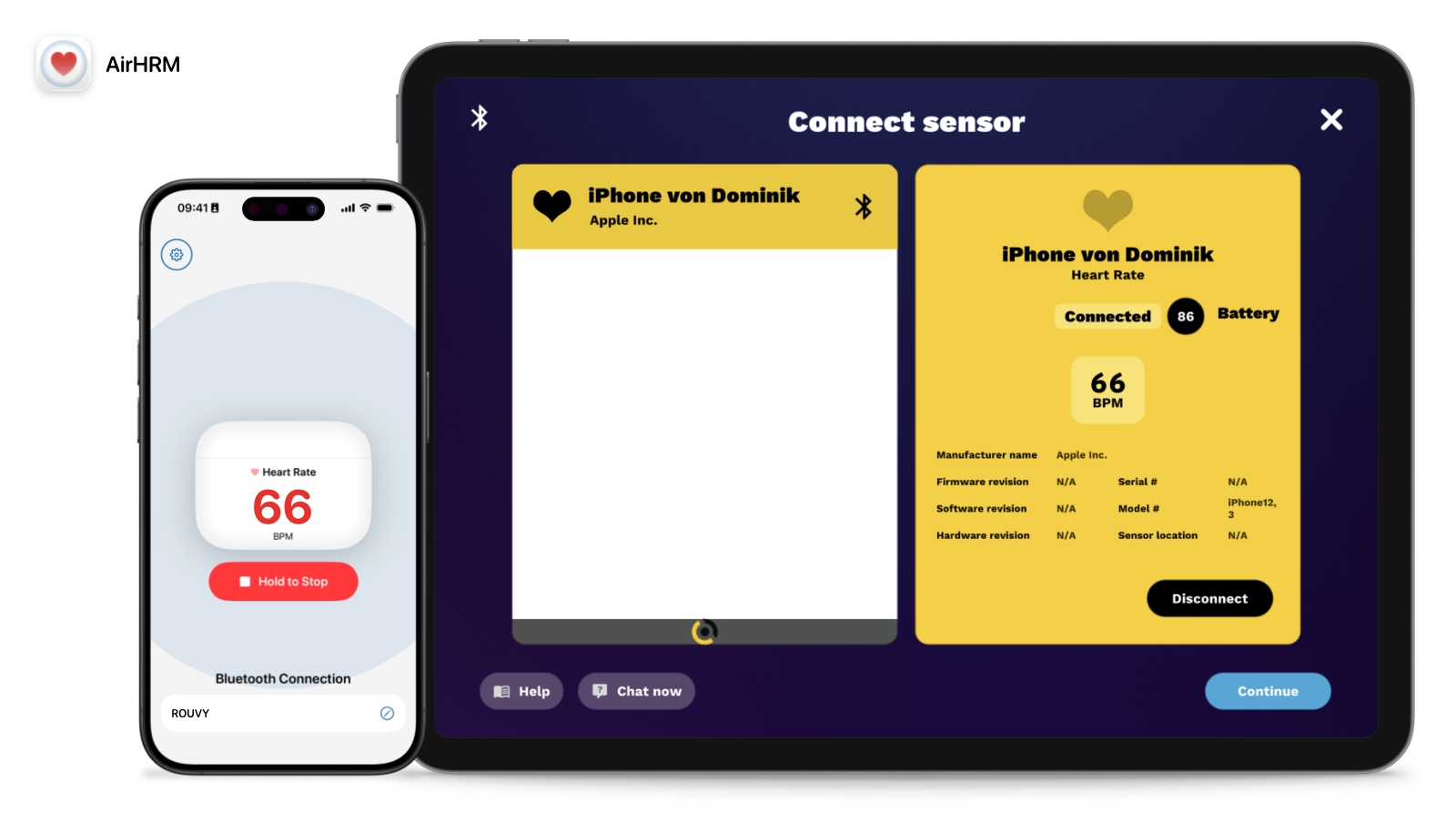
ROUVY
iPad · Apple TV · Android · Computer
- 1 Within ROUVY, go to
Settings → Sensors → Add sensorand select the Heart Rate box. - 2 On your iPhone: open AirHRM, AirPods Pro in and connected, then tap Start in AirHRM.
- 3 ROUVY discovers your iPhone as a heart rate sensor. Select it to connect.
Apple TV Limitation
Apple TV only supports 2 Bluetooth devices at once. If both slots are taken, disconnect one of your other devices to make room for AirHRM.
Zwift
iPad · Apple TV · Android
- 1 In Zwift, go to the pairing screen and select Heart Rate.
- 2 On your iPhone: open AirHRM, AirPods Pro in and connected, then tap Start in AirHRM.
- 3 Zwift discovers the AirHRM. Select it to pair.
Apple TV Limitation
Apple TV only supports 2 Bluetooth devices at once. If both slots are taken, disconnect one of your other devices to make room for AirHRM.
TrainerRoad
iPad · Android · Computer
- 1 In TrainerRoad, go to the Devices tab.
- 2 On your iPhone: open AirHRM, AirPods Pro in and connected, then tap Start in AirHRM.
- 3 TrainerRoad discovers your iPhone as a heart rate sensor. Press Pair Device.
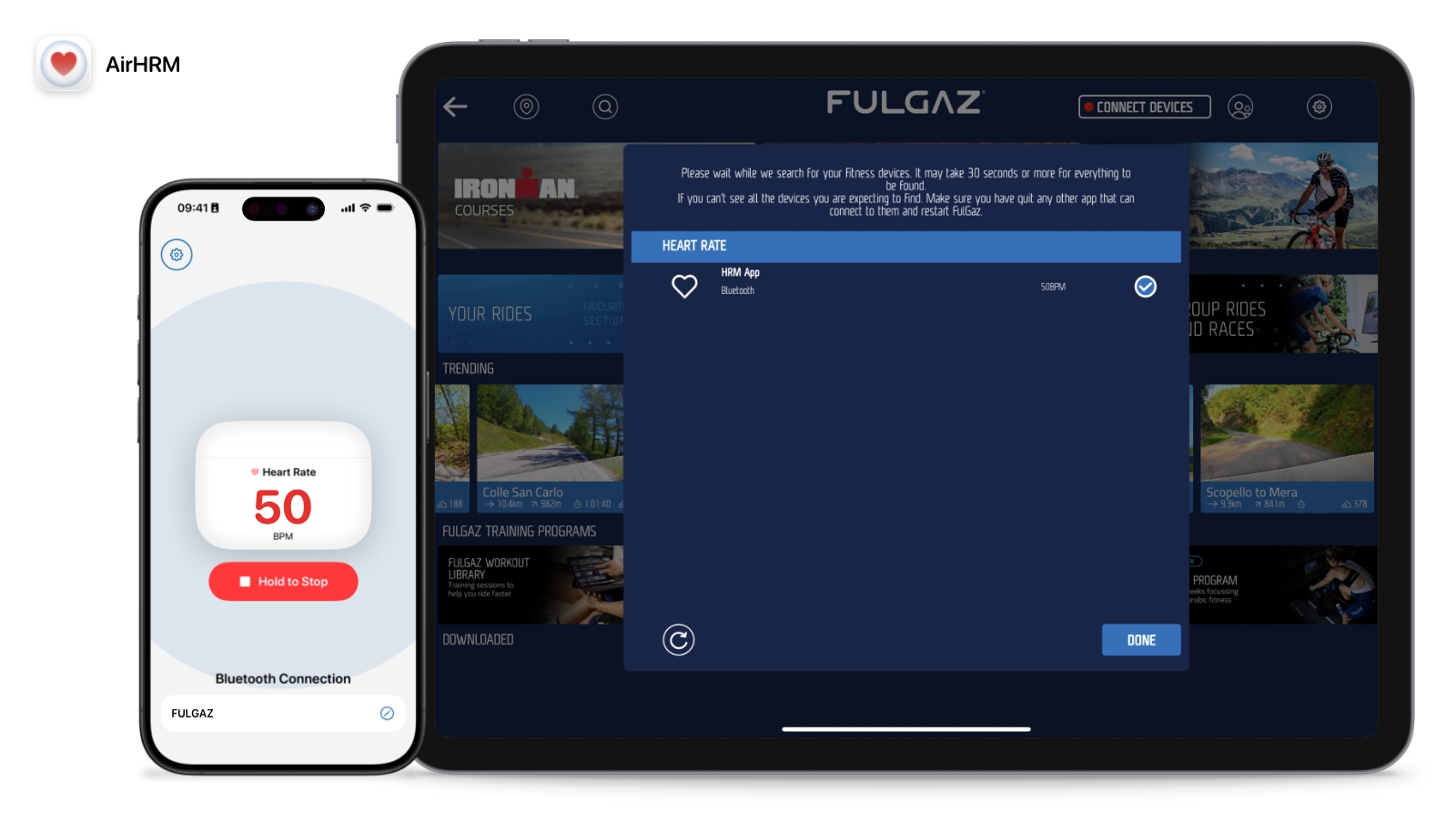
FulGaz
iPad · Apple TV · Android
- 1 On the FulGaz main screen, tap Connect Devices.
- 2 On your iPhone: open AirHRM, AirPods Pro in and connected, then tap Start in AirHRM.
- 3 FulGaz discovers "AirHRM" as a Bluetooth heart rate sensor. Select it.
Apple TV Limitation
Apple TV only supports 2 Bluetooth devices at once. If both slots are taken, disconnect one of your other devices to make room for AirHRM.
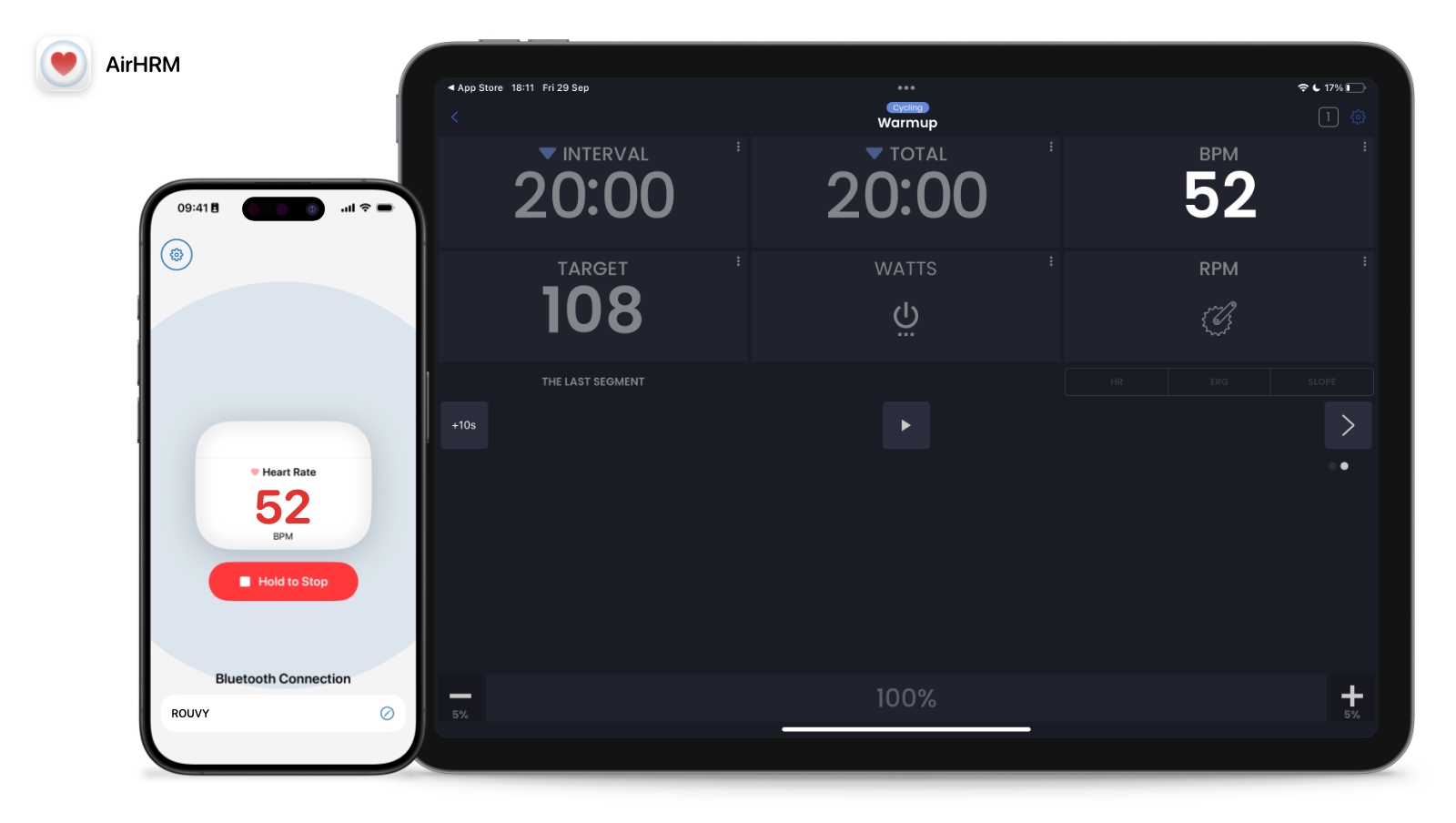
TrainerDay
iPad · Android
- 1 Go to
Settings → Add Devicesand press the + icon. - 2 On your iPhone: open AirHRM, AirPods Pro in and connected, then tap Start in AirHRM.
- 3 TrainerDay discovers your iPhone as a heart rate sensor. It appears under Connected Devices.
AirHRM Shows Heart Rate but No Connected Device
That is the expected state until a receiver connects. A live heart rate means the AirPods Pro side is working. The connected-device line only reports whether anything has picked up the broadcast yet, and it clears the moment your equipment connects. If it never clears, the problem is on the receiving side: pair again with AirHRM broadcasting and in the foreground.
iOS 27's GymKit update doesn't change anything here. See what it covers and what it doesn't
The Sensor Is Already in Your Ears
No chest strap, no extra hardware. Just AirPods Pro that share heart rate with Health plus your iPhone. AirHRM sends it to whatever platform you're training on. Try it free for 7 days.
after your trial ends
Less than a 3-pack of batteries.

Cancel before the trial ends and you won't be charged.