
Does iOS 27's GymKit update let gym equipment read your AirPods heart rate?
Apple's announcement sounds like a general yes. It's true on GymKit-certified machines and nowhere else. For your Concept2, your bike computer, or any Peloton that isn't the Bike+, the answer is still AirHRM.

Free 7-day trial, then $7.99/year
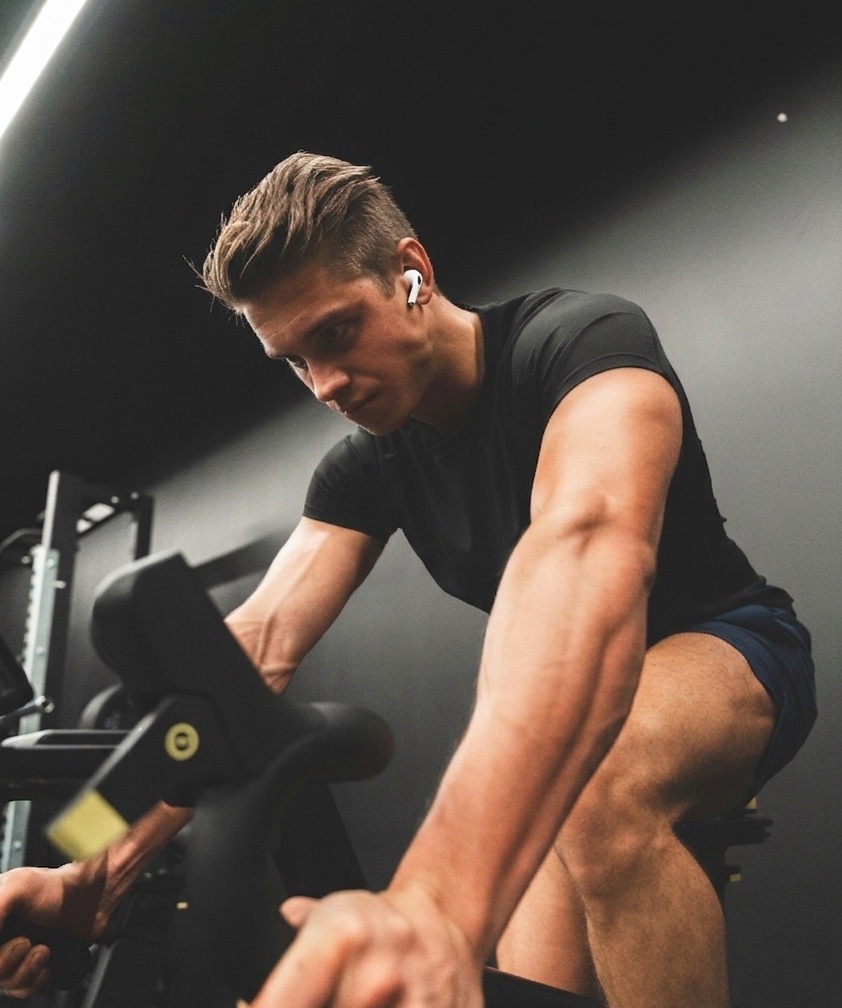
GymKit on iPhone
The Short Answer: Only on Certified Machines, and Yours Probably Isn't One
iOS 27 extends GymKit, Apple's certification program for cardio machines. That's the whole change. You tap your iPhone on a certified treadmill, elliptical, bike, or stair-stepper and your AirPods Pro 3 heart rate appears on its console. The AirPods still don't broadcast the standard Bluetooth heart-rate signal that chest straps use, so a Concept2, a Garmin, a Wahoo, Zwift, and every machine without GymKit certification is exactly as blind to them as before. AirHRM broadcasts that signal from your iPhone.
What GymKit on iPhone Does
With iOS 27 you tap your iPhone on a compatible machine, pick a workout, and your AirPods Pro send live heart rate to the console. The machine sends distance, pace, and incline back to the Fitness app. You don't need an Apple Watch for it anymore. Whether it works at all depends on the machine.
GymKit only exists on certified cardio equipment: treadmills, ellipticals, bikes, and stair-steppers from Life Fitness, Technogym, Precor, Matrix, Johnson, and a few other brands. A certified machine has Apple hardware built in and an NFC tap point on the console. Most of them stand in gyms and hotels, and certification has started reaching home treadmills too, like the BowFlex T6 at around a thousand dollars. What it has not reached is everything that reads a normal Bluetooth chest strap instead of carrying Apple's hardware.
The table below shows what iOS 27's GymKit sync covers, and what it leaves out.
Which Machines Get AirPods Heart Rate in iOS 27
The same question for every row: can it show your AirPods Pro heart rate?
| Equipment | Apple GymKit (iOS 27) | AirHRM |
|---|---|---|
| Certified cardio machines Life Fitness, Technogym, Precor, Matrix, BowFlex T6 | Works | Works with limits confirmed on Matrix consoles; the other brands are not tested yet |
| Peloton Bike, Bike+, Tread | Works with limits the Bike+ only, not the Bike, the Tread, or the Cross Training Bike+ | Works |
| Concept2 PM5: RowErg, BikeErg, SkiErg | Not compatible | Works |
| Bike computers Garmin Edge, Wahoo ELEMNT, Hammerhead Karoo | Not compatible | Works with limits current Edge units work, several older Garmins cannot |
| Indoor training apps Zwift, TrainerRoad, ROUVY on iPad, Apple TV, or computer | Not compatible | Works |
| Home fitness NordicTrack, iFit, Echelon, Hydrow | Not compatible | Not tested yet these pair with a Bluetooth strap, and nobody has confirmed one yet |
How AirHRM Works
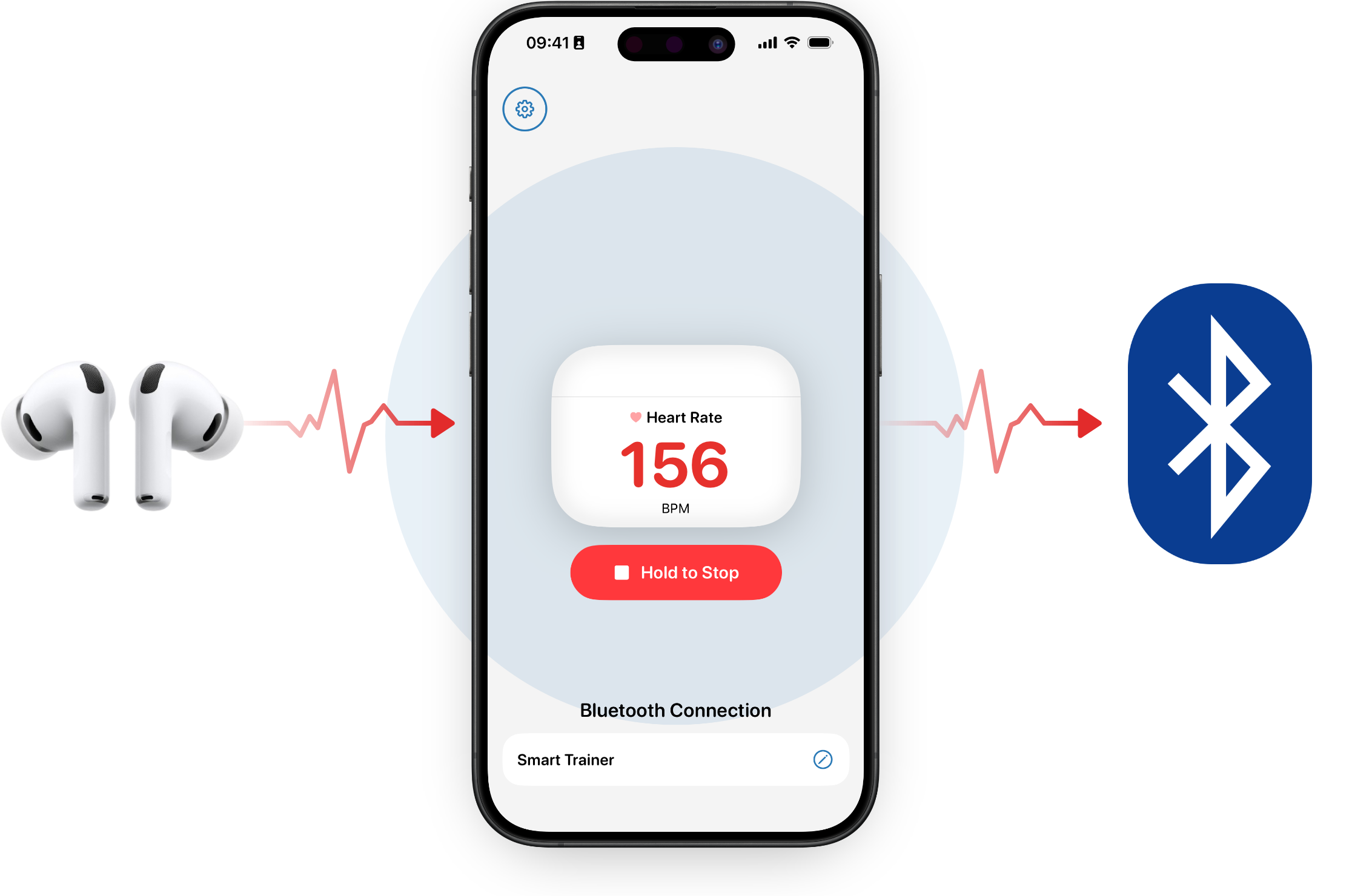
AirHRM takes the heart rate your AirPods Pro already write to Apple Health and rebroadcasts it from your iPhone as a standard Bluetooth heart-rate sensor, just like a chest strap. Your equipment pairs with the iPhone and sees a sensor named AirHRM. No extra hardware, no account. Just the AirPods and iPhone you're already carrying.
Open AirHRM, put your AirPods in, and tap Start. Then pair your equipment. It finds AirHRM like any other sensor. While you train, the Lock Screen shows your live heart rate.
When You Don't Need AirHRM
If every machine you train on has the GymKit tap point, the sync built into iOS 27 is all you need. AirHRM is for everything else: the erg, the bike computer, the iPad running Zwift, the Peloton that isn't a Bike+.
Worth knowing first:
- You need AirPods that share heart rate with Apple Health (AirPods Pro 3 were the first, released September 2025) and an iPhone on iOS 26 or later.
- Some receivers allow only one Bluetooth connection to your iPhone at a time, so you may have to disconnect the maker's own app first. It's a real constraint; the in-app guides cover the known cases.
- Gym and studio consoles vary by model, firmware, and venue. The compatibility list shows what other people have confirmed so far.
Only the first is a hard requirement. The other two you settle on your own equipment during the free 7-day trial, and you're not charged if you cancel before it ends.
Heart Rate on the Equipment You Already Use
AirHRM sends the heart rate your AirPods are already measuring to the equipment you already train on. Start the 7-day trial. Cancel before it ends and you won't be charged.
after your trial ends
Less than a 3-pack of batteries.
Cancel before the trial ends and you won't be charged.
Frequently Asked Questions
Which machines does iOS 27's GymKit sync work with?
Certified cardio machines from Life Fitness, Technogym, Precor, Matrix, Johnson, and a few other brands: treadmills, ellipticals, indoor bikes, and stair-steppers with an NFC tap point on the console. Mostly gym equipment, plus a few home treadmills like the BowFlex T6. It doesn't work with the Concept2 PM5, with bike computers, with training apps like Zwift, with home machines from NordicTrack, iFit, Echelon or Hydrow, or with any Peloton except the Bike+.
Does iOS 27 turn AirPods into a Bluetooth heart rate sensor?
No. The sync goes over GymKit, not over the standard Bluetooth heart-rate profile. Your AirPods still won't show up in any pairing menu. AirHRM broadcasts that standard signal from your iPhone, so your equipment sees a normal heart-rate sensor.
Will GymKit work with my Peloton or Concept2?
On the Peloton Bike+, yes. It is the only Peloton with GymKit: Peloton announced in 2024 that it would drop the feature, reversed that after member protest, and the newer Cross Training Bike+ shipped without it. The Bike, the Tread and the Concept2 PM5 have never had GymKit. All of them pair with standard Bluetooth heart-rate sensors, and that is how AirHRM shows up.
Do I need an Apple Watch?
No. GymKit used to require an Apple Watch, and with iOS 27 it no longer does. AirHRM doesn't use a watch either: the AirPods measure the heart rate and the iPhone broadcasts it.
How do I know if my gym's machines support GymKit?
Look at the console. Certified machines have an NFC tap point, usually marked with an Apple Watch or iPhone symbol. If there's no tap point, the machine doesn't support GymKit. If it pairs with chest straps, AirHRM works with it.
Which AirPods work with AirHRM?
Any AirPods that share heart rate with Apple Health during a workout: AirPods Pro 3 were the first, released September 2025. You also need an iPhone on iOS 26 or later.